 Adobe
Adobe  Sitecore
  Gradial
  PEGA
PEGA What Is an Enterprise AI Platform, and How Do You Choose One?
Oct 16, 2026 | 6 min read
TL;DR: Most companies use AI somewhere, but fewer than half run it across the whole business. An enterprise AI platform is the shared base that lets your teams build and run AI tools in one place, with your data and your rules. To pick one, check four things: how it fits your data and systems, how it controls access, what it costs at full use, and who will build and run it.
Ask ten teams at a large company which AI tools they use, and you'll get ten answers. Sales has a chatbot add-on. Finance is testing a forecasting tool. IT pays for two model subscriptions that nobody tracks. Each choice made sense on its own. Put together, they're hard to secure and even harder to budget for.
That's why more IT leaders now search for an enterprise AI platform. In McKinsey's 2026 State of AI survey, 44% of respondents said AI is now scaling across their enterprise. That means more than half still haven't gotten there.
What is an enterprise AI platform?
An enterprise AI platform is a shared set of tools that lets a company build and run AI across many teams from one place. It connects AI models to your company's data. It also sets rules on who can use what and tracks what the AI does.
Think about how your company uses the cloud. You don't build a new server room for every project. Each team builds on one shared setup with shared security. A platform does the same thing for AI. Teams launch new tools faster because the hard parts, like data access and security, already exist.
Most platforms have four parts: access to one or more AI models, connections to your data, tools to build AI apps and agents, and controls for security and cost.
How is a platform different from enterprise AI software or a single AI app?
A single AI app does one job. Enterprise AI software is a wider term for any AI product sold to businesses. A platform is the base that your own AI tools run on.
Here's an example. A writing assistant inside your email is an enterprise AI application. It helps one group with one task. A contract review tool your legal team buys is enterprise AI software. A platform lets your own team build the next ten tools, and they all share the same data connections and rules.
The difference shows up as you grow. Ten separate apps mean ten vendor contracts and ten security reviews. One platform lets you set those rules once. You'll still buy some AI software off the shelf, and the platform keeps your custom work and data in order.
What should an enterprise AI platform actually do?
At a minimum, a platform should connect AI to your data safely and show you what that AI does. Five features separate a real platform from another app.
First, it should give you a choice of models. New AI models come out every few months, so you should be able to swap them without rebuilding your tools.
Second, it should connect to the systems you run, like your CRM and ERP. Those connections should carry over the permissions you already have. If a sales rep can't open HR files, the AI they use shouldn't open them either.
Third, it should help your team build apps and agents. Agents take actions, like updating a record or sending a refund, so they need guardrails.
Fourth, it should log what the AI does. You need a record of each prompt and action for audits and for fixing mistakes.
Fifth, it should track cost by team and by project. Without that view, AI spending turns into one large bill that no one owns.
Which types of platforms are you choosing between?
Most options fall into four groups. The right pick depends on where your data and people already sit.
Cloud provider platforms: Amazon Bedrock on Amazon Web Services (AWS), Microsoft Foundry on Microsoft Azure, Gemini Enterprise Agent Platform on Google Cloud (GCP). Best fit: Companies that already run on one cloud and have strong engineers. Watch out for: Takes real build work and ties you closer to one cloud.
Business app platforms: Salesforce Agentforce, ServiceNow. Best fit: Teams that want AI inside the CRM or service tools they use every day. Watch out for: Handles data inside that app well and data outside it less well.
Data platforms: Databricks, Snowflake (a cloud data warehouse). Best fit: Companies whose main AI work runs on large data sets. Watch out for: Strong on data, lighter on day-to-day business workflows.
Standalone AI vendors: Business plans from AI model makers and AI startups. Best fit: A fast start for chat and writing tasks. Watch out for: Can become one more silo if it doesn't connect to your systems.
Product names current as of October 2026. Vendors rename and bundle AI products often, so confirm current names and features before you buy.
Many large companies end up with two. A bank might run its customer service AI in Salesforce while its data team builds on AWS. That works as long as one set of rules covers both.
How do you choose the right one?
Start with your use cases before you sit through vendor demos. Write down the first three to five jobs you want AI to do. Then test each option against four questions.
Does it work with the data and systems you already have?
AI can only work with the data it can reach. If your customer data lives in Salesforce and your finance data lives in SAP, check how each platform connects to both. Also check that it keeps the permissions you've already set. Ask to test it on your own data instead of a vendor sample.
How does it handle access, logs, and approvals?
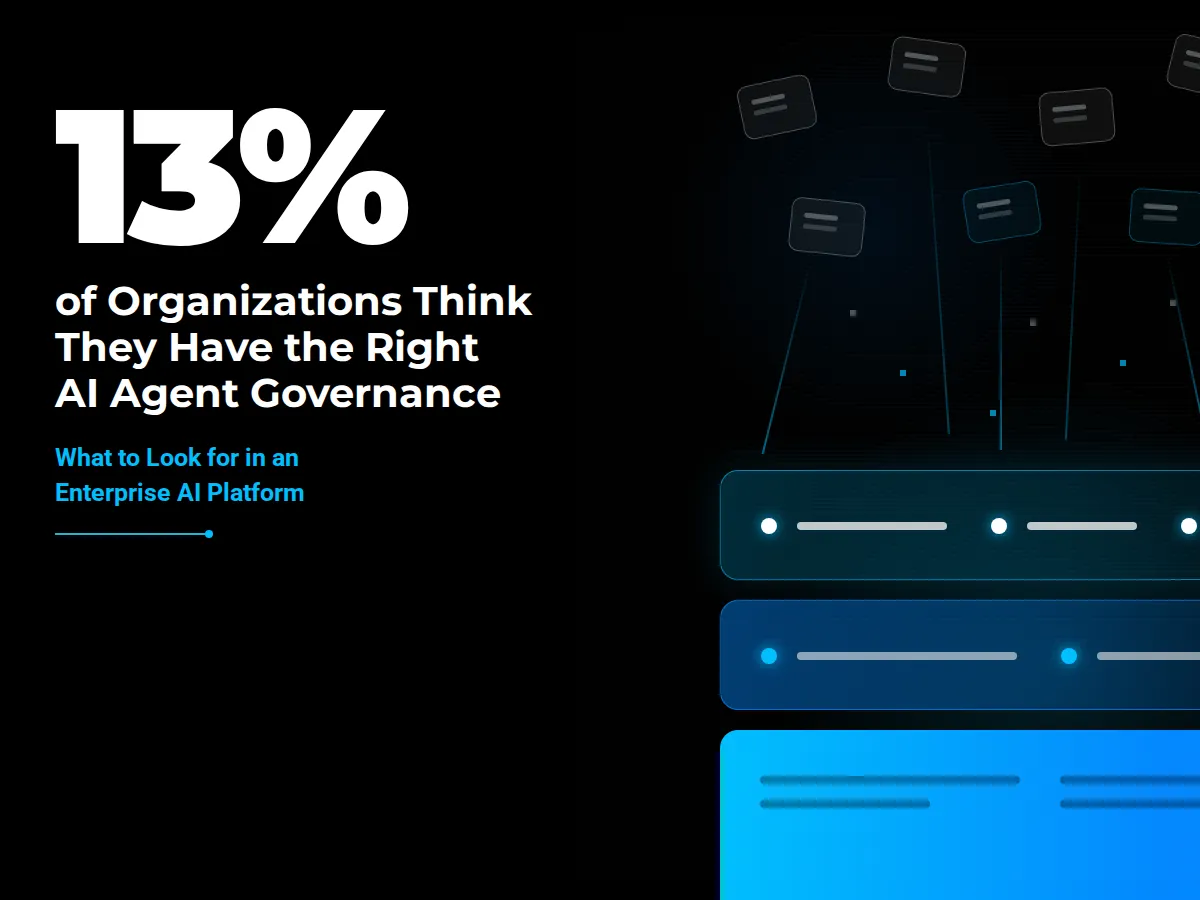
AI tools and agents multiply fast. In an April 2026 release, Gartner reported that only 13% of organizations think they have the right governance in place for AI agents.
Look for role-based access, a full log of what each AI tool did, and approval steps before an agent takes a big action, like issuing a refund. We've written about why an AI policy on paper isn't enough. The platform is where your policy turns into rules the system enforces.
What will it cost once usage grows?
Pilot costs fool people. A test with 20 users looks cheap. The bill changes when 2,000 people use it every day. In the same McKinsey survey, about 20% of respondents said AI operating costs, including tokens, have limited how much they use AI. Tokens are the small chunks of text that AI models charge by.
Ask each vendor to price your expected volume at full use, and find out what drives the bill. Make sure you can see spending by team.
Who will build and run it?
Every platform needs people to keep it running. Cloud platforms need engineers who can build and maintain AI apps. Business app platforms need admins who know that system well. If you need outside help, our guide on how to choose an AI development partner covers the questions to ask before you sign.
What does it take to get value once you have one?
A platform gives you the base. The value comes from the first workflow you put on it. Pick one process with steady volume and a clear owner, like answering support tickets or checking invoices. Measure how it runs today, launch the AI version, and track the change.
Then add one workflow at a time. Each new tool reuses the data connections and controls you've already built, so the second launch goes faster than the first. Our enterprise AI roadmap walks through each stage of that process.
Frequently asked questions
What is an example of an enterprise AI platform?
Amazon Bedrock and Salesforce Agentforce are two common examples. Each lets a company build and run AI tools on shared data and security rules. The right one depends on which cloud and business apps you already use.
What's the difference between AI for enterprise and consumer AI tools?
AI for enterprise adds the controls a business needs. That includes admin settings, single sign-on, usage logs, and contract terms on how the vendor can use your data. Consumer tools rarely give your IT team that level of control.
How much does an enterprise AI platform cost?
Cost depends on how much you use it. Most platforms charge by users, tokens, computing time, or a mix. Pilots often look cheap, so ask vendors to price your expected volume at full use before you commit.
Do you need more than one enterprise AI platform?
Many large companies use two: one tied to their main business app and one cloud platform for custom builds. That works if one set of access rules and logs covers both.
Want help choosing the right platform?
CI offers a free end-of-year AI assessment. We'll look at the AI tools and systems you have today, then show you where a platform fits and which workflow to start with. Book your free AI assessment, or learn more about our AI services.
Author

Craig Taylor

Share this article


Subject Matter Expert

Craig Taylor
Practice Lead, CI Digital
Speak With Our Team
Share this article